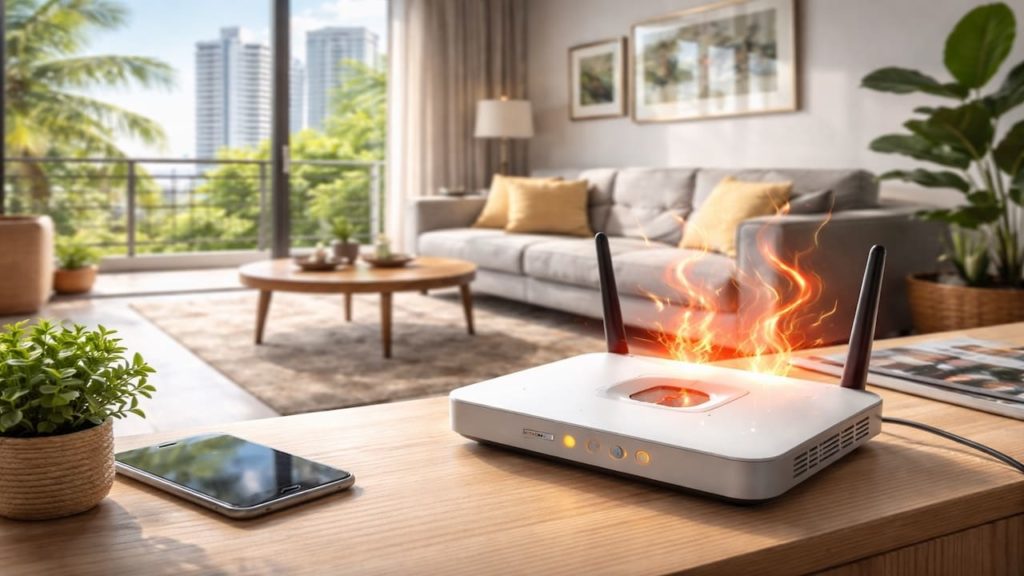
You searched “router overheating” because your WiFi drops in the afternoon, the router feels hot to touch, or the internet becomes unstable when you need it most.
In Malaysia, hot afternoons, warm indoor air, and humid rooms can push small routers past their comfort zone. Condos also trap heat in cabinets, and terrace homes often have poor airflow corners.
In this guide, you’ll learn the 5 tips that keep your router cooler and WiFi stable in Malaysia heat so connection stays steady during work, calls, and streaming.

Hi, I’m Ken. I write practical home guides for Malaysia—no fluff, just what works.
I hold a formal building design qualification and have spent about 20 years on job sites across hundreds of projects. My goal is simple: help you avoid costly mistakes with clear, safe steps—a quick way to decide what to do next.
1. Malaysia router overheating guide: 5 tips
Overheating routers usually fail from poor airflow not bad internet — heat makes electronics throttle.
Routers generate heat all the time, and Malaysia’s warm ambient temperature removes the cooling “buffer”. If the router sits in a TV cabinet or behind curtains, the heat builds and the device resets or slows. Heat.
- Touch router casing and note hottest side position
- Check if drops happen during hottest afternoon hours
- Inspect placement inside cabinet and airflow blockage
- Look for dust covering vents and fanless surfaces
- Check power adapter for unusual warmth or smell
You might blame the ISP immediately. But if the router is roasting, even perfect service cannot stay stable through thermal resets.
2. 【Keep WiFi stable during hot afternoons indoors】
Stability improves fast when you give the router breathing space — cooling is often a placement fix.
Most improvements cost is mostly time/effort, because you can relocate, elevate, and clear vents with what you already have. If you buy a small USB fan, expect RM15–50 for a basic one. Airflow.
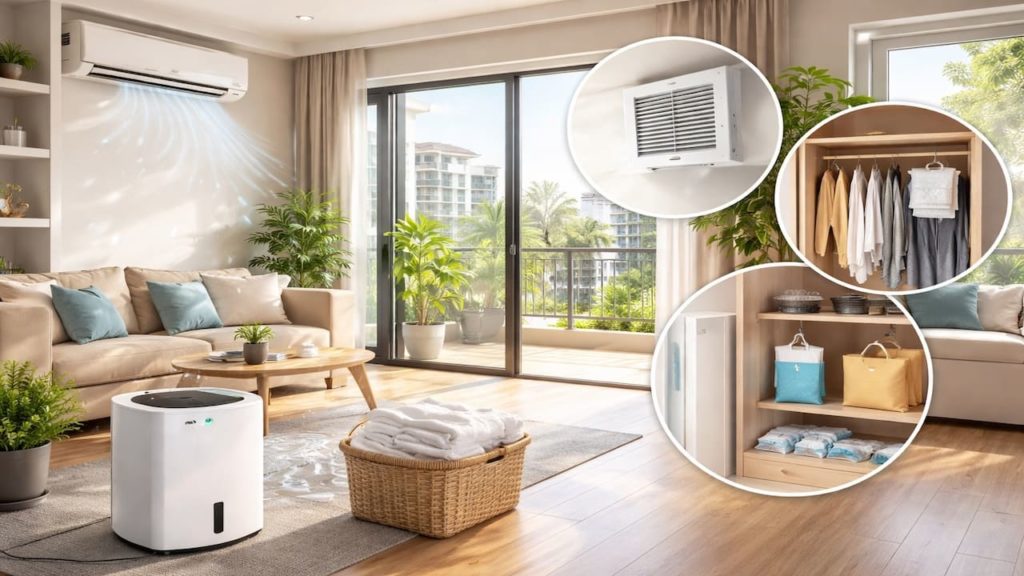
- Move router out of cabinets and away from TV heat
- Raise router on stand to improve vent clearance
- Keep router away from windows with direct sun
- Leave 10 cm space around vents on all sides
- Use fan airflow across router during peak heat
You might worry moving it will reduce signal. Usually the opposite happens, because open placement improves both cooling and signal reach.
3. Why routers overheat in Malaysia homes
Malaysia heat plus closed storage turns routers into mini ovens — humidity adds dust stickiness.
Warm air holds more moisture, and that moisture helps dust cling to vents and heat sinks. Many homes place routers in corners for neatness, but enclosed spaces recycle hot air, so temperature rises over hours. Oven.
- Cabinet placement traps warm air with no exhaust
- Stacked devices radiate heat onto router underside
- Dust blocks vents and reduces passive cooling
- Cheap adapters run hot and stress router electronics
- High load during calls increases router heat output
You might assume the router is too weak by design. Sometimes it is, but many “weak router” cases are actually poor cooling and bad placement.
4. How to cool your router and prevent repeat drops
Do a quick cooling reset then set up a long-term cooler spot — avoid daily restarts.
If you need basic supplies like compressed air, a USB fan, or a simple wall mount, plan RM10–60 depending on what you choose. The best upgrade is still airflow and spacing, not expensive gear. Setup.
- Power off router 30 seconds and let heat drop
- Clean vents gently and remove dust from surfaces
- Separate router from other hot devices and adapters
- Switch to dry mode or fan mode to reduce room heat
- Schedule reboot weekly during low usage night hours
You might want to wrap the router “to block dust”. That traps heat and makes overheating worse, so keep it open and clean instead.
5. FAQs
Q1. How hot is too hot for a router?
If it feels too hot to hold comfortably it needs airflow. Warm is normal, but frequent restarts or drops during hot hours are a strong warning.
Q2. Will aircond solve router overheating?
It can help by lowering room temperature, but placement still matters. A router in a closed cabinet can overheat even in an aircond room.
Q3. My WiFi drops only when streaming. Why?
Higher load makes the router work harder and generate more heat. Cooling and separating devices often improves stability immediately.
Q4. Is it safe to use a small fan on the router?
Yes, if it is stable and does not pull moisture into the device. Use gentle airflow across vents and keep cables tidy to avoid accidents.
Q5. Should I replace the router if it keeps overheating?
Try placement and cleaning first. If it still drops after cooling fixes, replacement may be worth it, especially for older models with weak heat handling.
Pro’s Tough Talk

Alright, I’ve been on site 20+ years, and I’ve done hundreds of jobs. A router in Malaysia heat is like a phone left on a car dashboard. It will work, then it will suddenly “not work”.
Cause is 3 buckets. Bad placement in a cabinet, dust choking vents, and too much heat from stacked devices or a hot adapter. Contractors aren’t the issue here, but the structure is still cold: heat builds quietly until the reset hits you mid-call.
Do this now. Pull the router into open air, raise it, and give it space. Clean the vents, separate the adapter from other hot bricks, and point a small fan if afternoons are brutal. Done.
Airflow and spacing fix most overheating without new hardware. Tsukkomi: you want “strong WiFi” while you lock it in a wooden box ah? Aruaru: WiFi dies exactly when you join a meeting. Aruaru: you smack the router like it owes you money.
Keep it inside the cabinet and enjoy your daily “WiFi drama episode” lah.
Summary
Router overheating in Malaysia usually comes from hot ambient air, poor airflow, dust, and heat stacking from nearby devices.
Move it into open air, raise it, clean vents, and reduce heat sources so WiFi stays stable during hot afternoons.
Relocate the router today and make afternoon WiFi boring again then read a related guide on power outages or slow internet checks for a full stability setup.