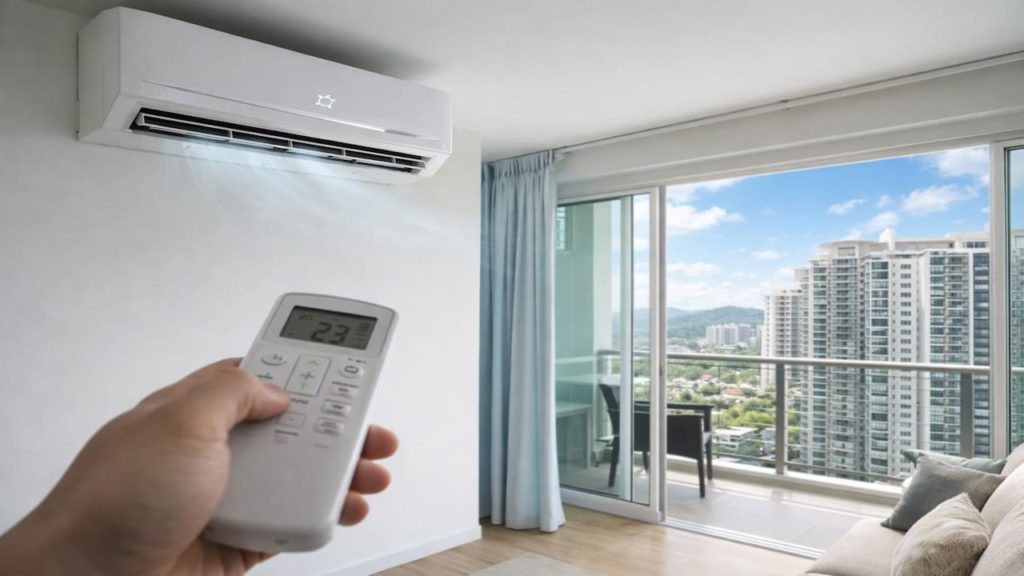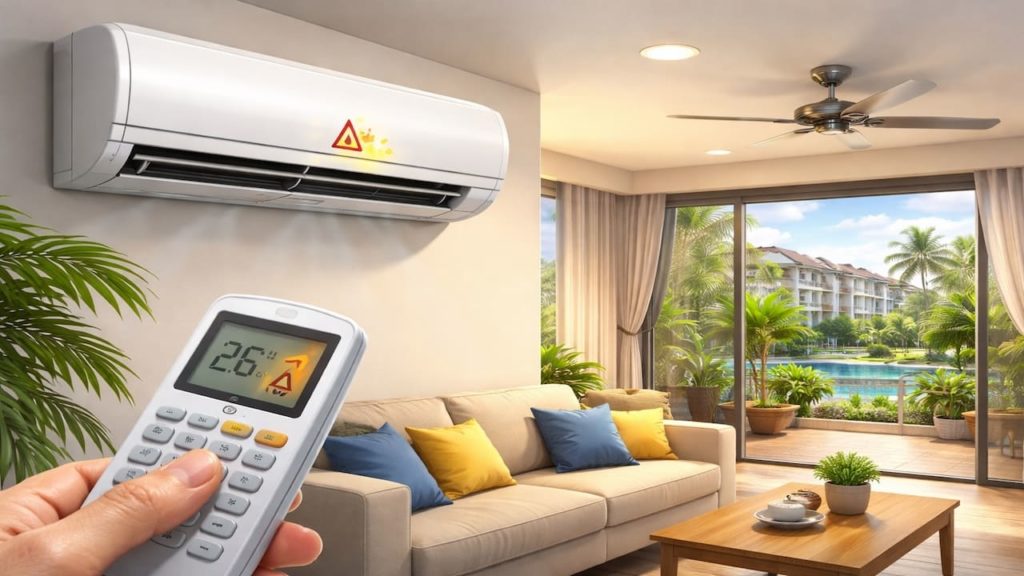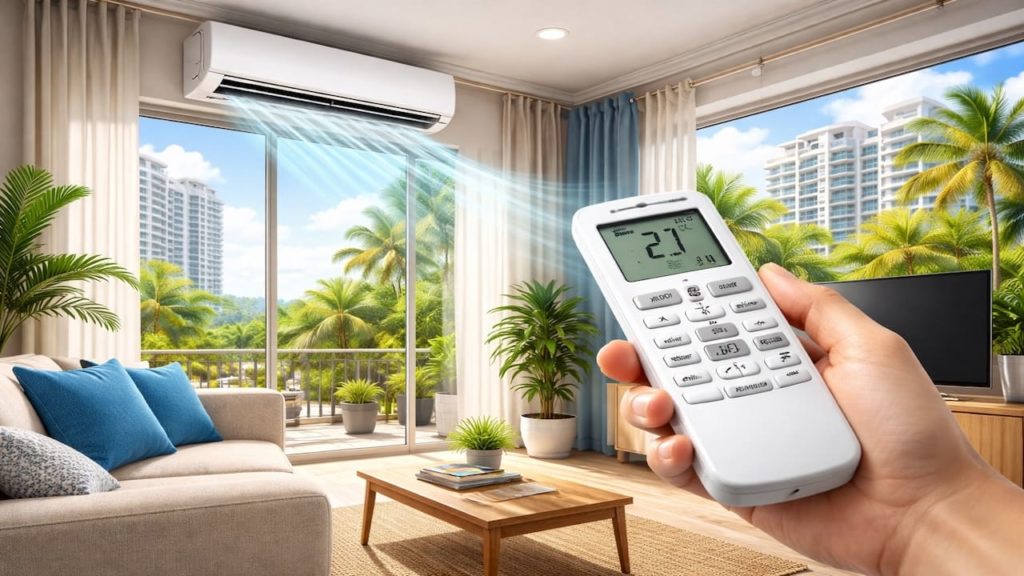
You press the buttons, the screen looks fine or maybe it is blank, and the aircond does nothing.
A remote problem can be as simple as batteries, signal blockage, or a stuck button, and it is worth checking before you buy a replacement.
In this guide, you’ll learn how to troubleshoot a remote safely with 5 quick fixes that often bring it back to life in minutes.

Hi, I’m Ken. I write practical home guides for Malaysia—no fluff, just what works.
I hold a formal building design qualification and have spent about 20 years on job sites across hundreds of projects. My goal is simple: help you avoid costly mistakes with clear, safe steps—a quick way to decide what to do next.
1. Aircond remote not working: 5 fixes
The fastest wins are battery and signal checks because most remotes “die” from power or communication issues.
Start with what resets the remote and clears simple faults—no tools needed. Quick.
- Replace both batteries with fresh ones and confirm correct polarity
- Remove batteries for 60 seconds then reinstall to reset the remote
- Clean the battery contacts if you see corrosion or white residue
- Move closer and aim directly at the indoor unit sensor window
- Check for stuck buttons and press each one once to release any jam
You might assume the remote is broken, but battery contact problems and stuck buttons are common and cheap to fix. Do these first.
2. Quick fixes before you replace it
Before replacement, confirm the remote is sending a signal and the indoor unit can receive it.
This removes guesswork—if the remote sends nothing, replacement may make sense, but if the unit cannot receive, a new remote will not help. Important.
- Use your phone camera to look at the IR LED while pressing a button and check for flashing
- Try turning the room lights off briefly because strong sunlight can interfere with IR
- Wipe the remote IR window and the aircond receiver window on the indoor unit
- Try a different mode like Cool and a different temperature to confirm commands change
- Test the aircond using the manual button on the indoor unit if available
Some people buy a new remote immediately, but a quick IR flash test and a manual button test tell you where the fault lives. Smart move.
3. Why the remote stops working
Most failures happen because power contact or signal path breaks rather than the remote “just dying.”
Humidity, drops, and dust can weaken contacts over time, and sometimes the indoor unit receiver is the real issue. Two sides.
- Old batteries drop voltage and the remote screen may still look partially normal
- Battery corrosion blocks contact and power becomes unstable
- IR signal is blocked by distance, angle, or receiver window dirt
- Buttons wear out or get stuck and send no command
- Receiver or control board issues in the indoor unit prevent signal reading
You might think the remote is “dead” because nothing happens, but the real cause can be the receiver. Test both sides and save money.
4. How to avoid remote problems in the future
Remote issues reduce when you protect contacts and keep the signal path clean and avoid moisture damage.
Small habits prevent repeat frustration—especially in humid homes where corrosion happens faster. Routine.
- Remove batteries if you will not use the remote for a long period
- Wipe the remote and keep it away from wet surfaces and kitchen steam
- Do not leave it under direct sunlight which can heat and warp plastic
- Keep the indoor receiver window clean so commands register quickly
- Store the remote in one known spot so it does not get dropped often
You may think this is overkill, but corrosion and drops are the top remote killers. Protect it and it lasts longer.
5. FAQs
Q1. What is the quickest fix for a dead remote?
Replace both batteries and reset it by removing them for 60 seconds. This solves a large share of cases.
Q2. How do I test if the remote is sending a signal?
Use a phone camera and point it at the remote’s IR LED while pressing a button. A visible flash usually means it is transmitting.
Q3. What if the remote works sometimes but not always?
This often points to weak batteries, dirty contacts, or sunlight interference. Replace batteries and clean contacts first.
Q4. The remote sends signal but the unit does not respond, why?
The receiver window may be dirty or the indoor unit receiver or control board may have an issue. Try the manual button test to confirm.
Q5. When should I replace the remote?
Replace it if the remote does not transmit even with fresh batteries and clean contacts, or if buttons are physically damaged. If the unit also fails manual control, service the unit instead.
Pro’s Tough Talk

I’ve been on site for 20+ years and handled hundreds of jobs, and remote issues are the funniest “big panic” for the smallest cause. People treat it like the whole system died.
Causes split into 3 buckets: batteries and contacts are bad, the IR signal path is blocked, or the indoor receiver side is the problem. Steps are 3 too: fresh batteries and reset, IR flash test with phone, then manual button test on the unit.
A dead remote is like a car key with a weak battery, and like a TV remote that got soaked and you still keep pressing harder. One comment: pressing harder doesn’t add signal. Two aruaru: people mix old and new batteries, and people store it near steam then blame “bad quality.” Test the signal before you buy anything or you’ll waste money for pride.
Summary
Most remote problems come from batteries, corrosion, stuck buttons, or a blocked IR signal path. Quick checks can solve it fast.
If the remote transmits but the unit does not respond, shift focus to the receiver side and try the manual control test. That is the decision point.
Replace batteries, reset, test IR with your phone camera, then read the weak airflow and maintenance guides next. Fix the remote in minutes and save the replacement cost.