A blackout hits, and after power comes back your autogate feels confused or won’t move. You may be stuck half open, half closed, or the remote suddenly does nothing. Stress.
In Malaysia, sudden outages, voltage dips, and wet-season storms can reset control boards and desync limits. Manual release is useful, but re-lock and recalibration must be done in the right order. Basic.
In this guide, you’ll learn the 5 steps to recover an autogate after a blackout using manual release safely, re-locking correctly, and recalibrating so it opens and closes smoothly again.

Hi, I’m Ken. I write practical home guides for Malaysia—no fluff, just what works.
I hold a formal building design qualification and have spent about 20 years on job sites across hundreds of projects. My goal is simple: help you avoid costly mistakes with clear, safe steps—a quick way to decide what to do next.
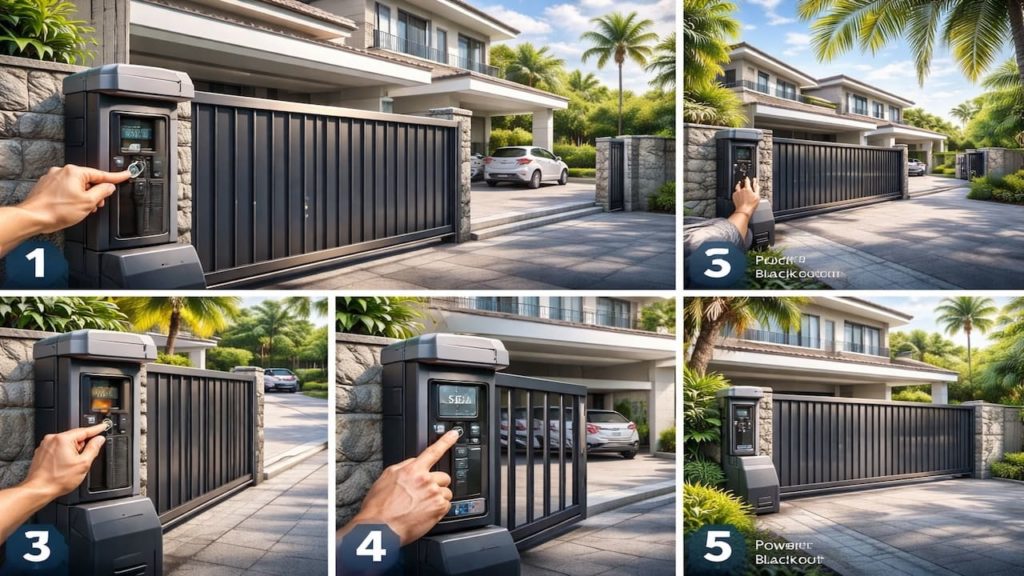
1. Autogate after blackout: 5 steps
Use manual release only to get safe movement then restore control so you do not damage gears or confuse the board.
After an outage, the system can lose position memory, and the gate may be heavier if the track is wet or gritty. Malaysia porch conditions matter. Go slow.
- Switch off mains power before touching gate
- Use manual release key and disengage drive
- Move gate by hand to a safe position
- Re engage lock and confirm it clicks
- Restore power then test open close once
You might want to keep pressing the remote during recovery. That can fight the mechanical state and strip gears. Make it mechanical safe first, then bring electronics back online.
2. Manual release, re-lock, & recalibration
Re-locking must be fully engaged before recalibration or the motor will spin without moving the gate.
Many post-blackout problems are simply a half-engaged release mechanism. In humid Malaysian weather, springs and latches can feel stiff, so confirm engagement. Clear click.
- Check release lever returns to locked position
- Push gate slightly to confirm motor reengaged
- Check clutch knob setting is not too loose
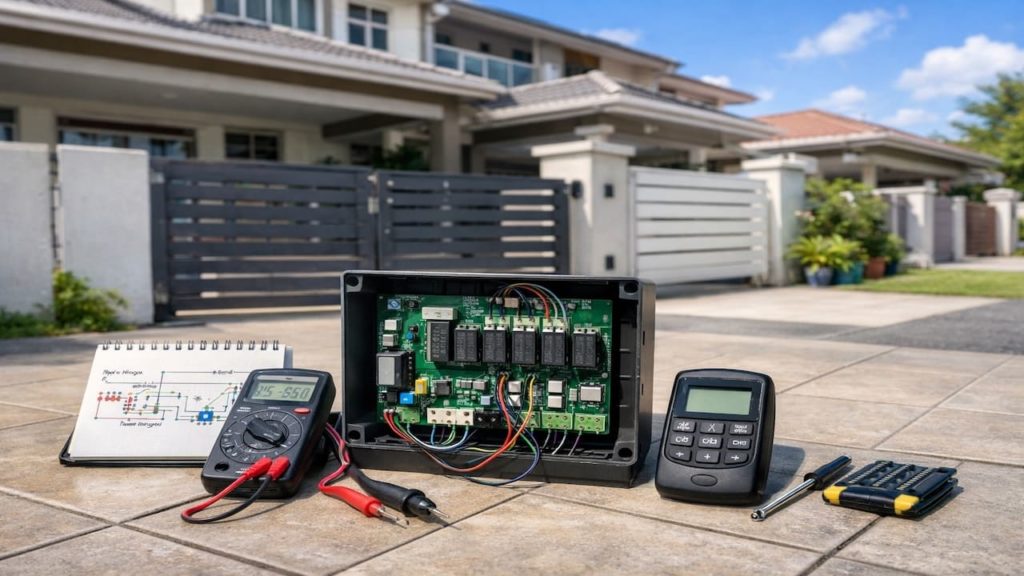
- Check control box LEDs show normal standby
- Run limit learning or setup calibration mode
Some people skip calibration because it “used to work.” But if the board lost travel reference during the blackout, it may stop early or reverse on close. Calibrate once and stop the loop.
3. Why blackouts cause autogate issues in Malaysia
Power dips reset boards and desync limit positions and humidity makes the mechanical side less forgiving.
Storm-related outages can bring surges during return, and adapters can output unstable voltage for a moment. Add wet tracks and rust, and the gate load changes. That is why it feels different after power returns. Real.
- Control board reboot losing travel position memory
- Limit sensors misread after sudden stop mid travel
- Voltage surge damaging weak fuses and adapters
- Wet track debris increasing load after the storm
- Manual release left half engaged by accident
You may think the motor died because it is silent. But many times it is a safety lockout, a loose release, or a board reboot state. Confirm basics before buying parts.
4. How to recover smoothly and prevent repeat faults
Do one clean recovery sequence then protect from surges so the next blackout does not create the same chaos.
Work when the area is dry and safe, and keep hands off live terminals. Malaysia porches stay damp, so use shoes with grip and a torch for the control box. Safety.
- Clean track and remove debris before calibration
- Check battery backup condition if installed
- Use surge protector for control box supply
- Seal cable glands to reduce moisture entry
- Test full open close twice after calibration
You might think adding force settings will fix post-blackout stopping. That can mask the real issue and stress gears. Restore correct limits and smooth travel first, then tune gently if needed.
5. FAQs
Q1. The gate is stuck and I have no power. What should I do first?
Switch off the mains if any supply is present, then use the manual release to disengage the drive. Move the gate by hand to a safe open or closed position to restore access.
Q2. After power returns, the motor runs but the gate does not move.
The manual release may still be disengaged or half engaged. Re-lock fully until you feel a solid click, then test again with one open command.
Q3. Do I really need recalibration after a blackout?
Often yes, especially if the outage happened mid travel. Relearning limits prevents reversals and early stops after board resets common in Malaysia storms.
Q4. The gate opens but will not close after the blackout. Why?
Safety inputs may be triggered, or the board thinks it is at the wrong position. Clean and align safety sensors, then run limit learning once travel is smooth.
Q5. How can I reduce damage from future outages?
Use surge protection, keep the control box sealed, and maintain smooth track movement so the motor load stays low. If you have backup battery, test it periodically.
Pro’s Tough Talk

I’ve been on site for 20+ years and handled hundreds of autogates, and blackout problems are a classic. Malaysia storms cut power, then the power comes back like a slap, and the board forgets where it is. The gate is not “possessed,” it is desynced.
3 causes, simple. First, the board rebooted and lost limits, so it stops early, reverses, or refuses to close. Second, the manual release is half engaged, so the motor spins and nothing moves. Third, wet tracks and debris add load, so overload protection trips. Do 3 steps. Disengage and move the gate to a safe position, then re-lock until it clicks. Clean the track, restore power, then recalibrate limits in one clean run.
Don’t blame yourself, and don’t blame the technician for the weather, but the structure is harsh: outdoor electronics plus storm power returns equals chaos on a timer. A desynced gate is like a lost kid in a mall, and a half-locked release is like a zipper stuck halfway. And stop slamming the remote like it is a TV remote with low batteries. Two classics: it fails when you rush to work, and it “works” right when you give up. Bottom line Re-lock first then recalibrate in a clean sequence or you will keep looping the same blackout drama.
Summary
After a blackout, make the gate mechanically safe with manual release, then re-lock fully, then restore power and test once. That order prevents damage and confusion.
If the gate still stops early, reverses, or refuses to close, clean the track and run recalibration to restore correct limit positions. If the board shows unstable power, check adapters and surge damage.
Do the recovery steps today while conditions are dry, then read the next guide on limit learning and sensor false triggers—One proper reset beats endless random button pressing.