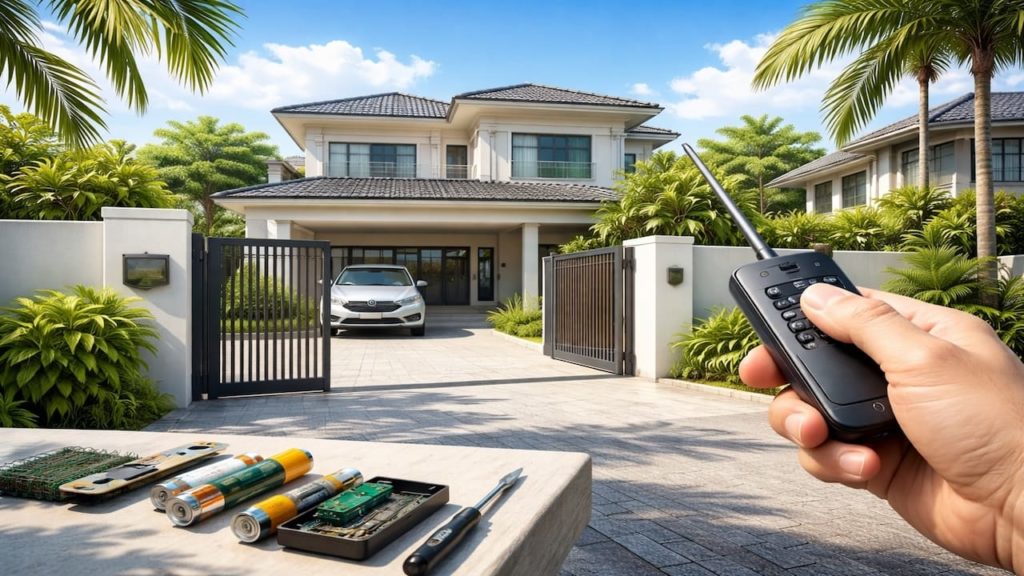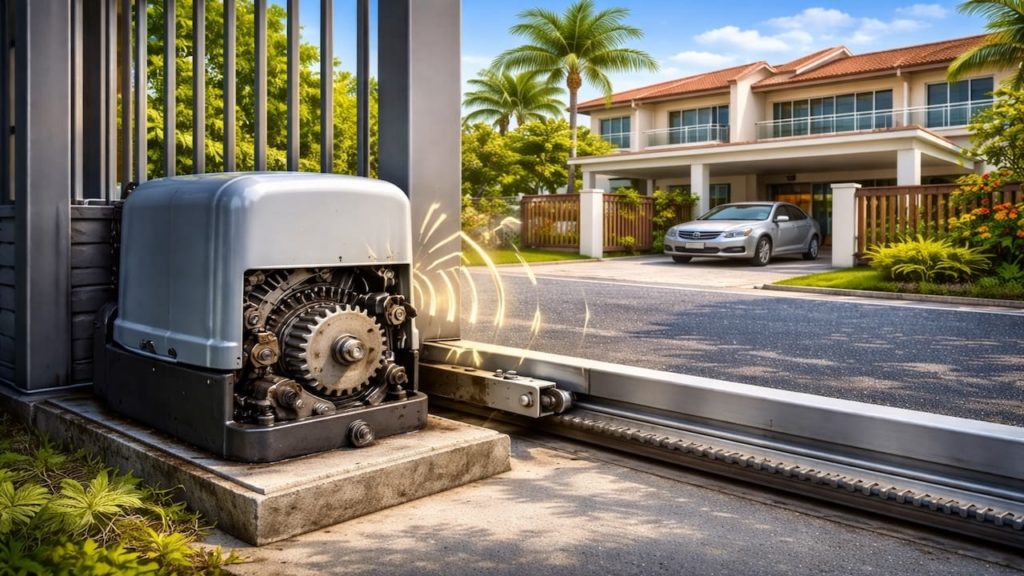
Your autogate remote only closes the gate, but it will not open it, so you feel stuck outside your driveway. In Malaysia humidity, this shows up fast.
This can come from receiver wiring, a relay mapped to the wrong input, or a controller rule blocking open. Rain splash and heat also loosen terminals. Frustrating.
In this guide, you’ll learn how to pinpoint why your remote closes only and restore open control. You will run wiring checks, confirm relay mapping, and fix channel settings for terrace houses and condo bays.

Hi, I’m Ken. I write practical home guides for Malaysia—no fluff, just what works.
I hold a formal building design qualification and have spent about 20 years on job sites across hundreds of projects. My goal is simple: help you avoid costly mistakes with clear, safe steps—a quick way to decide what to do next.
1. Autogate remote only closes: 5 checks
Start by proving whether the receiver sees the open command.
Many systems use separate inputs for START and CLOSE, so a remote can be learned to only one output. Malaysia heat speeds oxidation on small contacts—one weak contact. One weak contact.
- Watch receiver LED while pressing open button
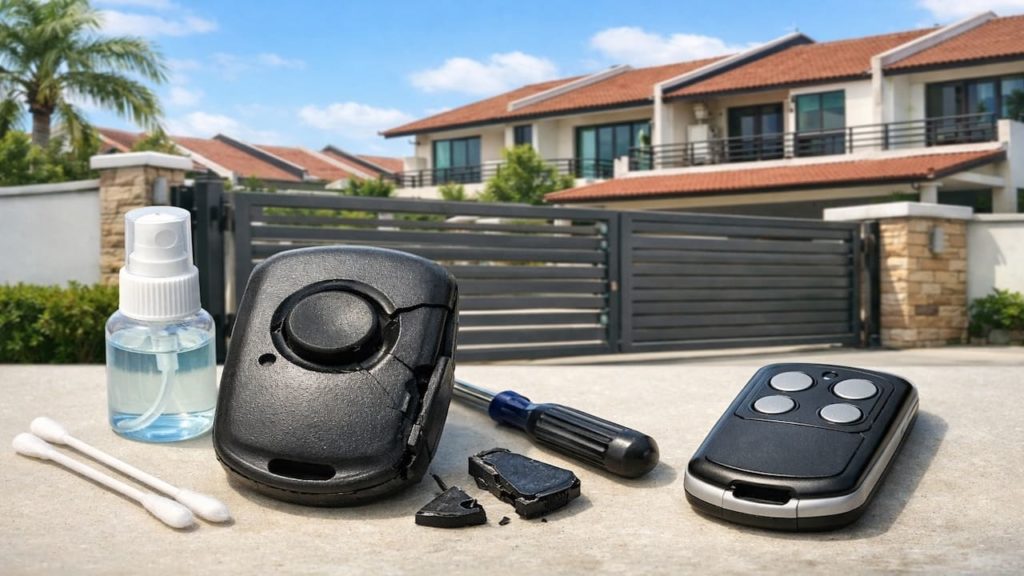
- Test second remote to rule out bad button
- Check wall switch opens gate without remote
- Confirm gate is not in lock mode
- Cycle power then retry remote open command
You might assume the motor is weak because it “does not open,” but the same motor closes fine. That points to signal or logic, not torque. Fix the path first, then judge parts. Clear.
2. Wiring, relay mapping, & channel settings
Wrong relay mapping makes a remote behave like close only.
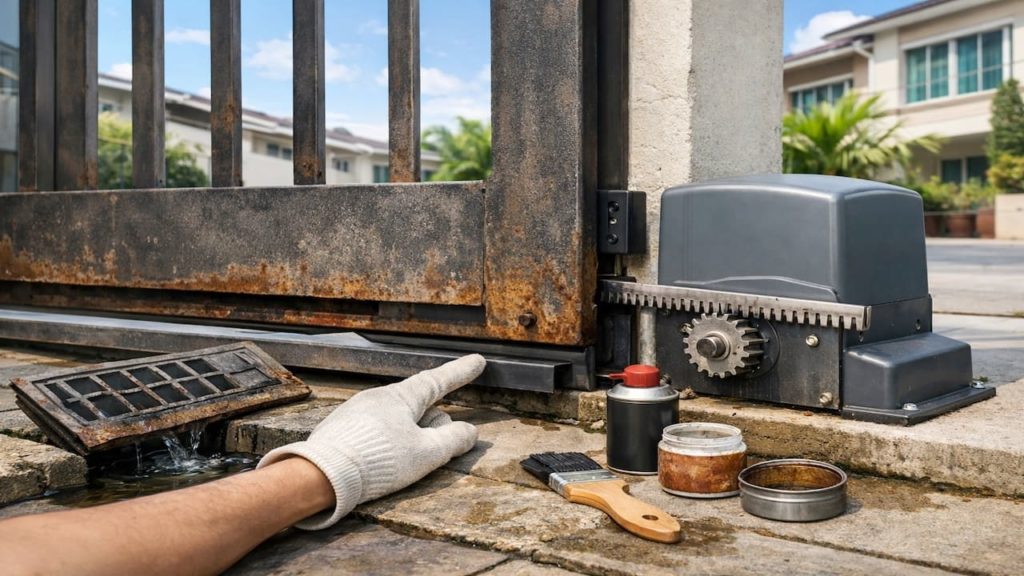
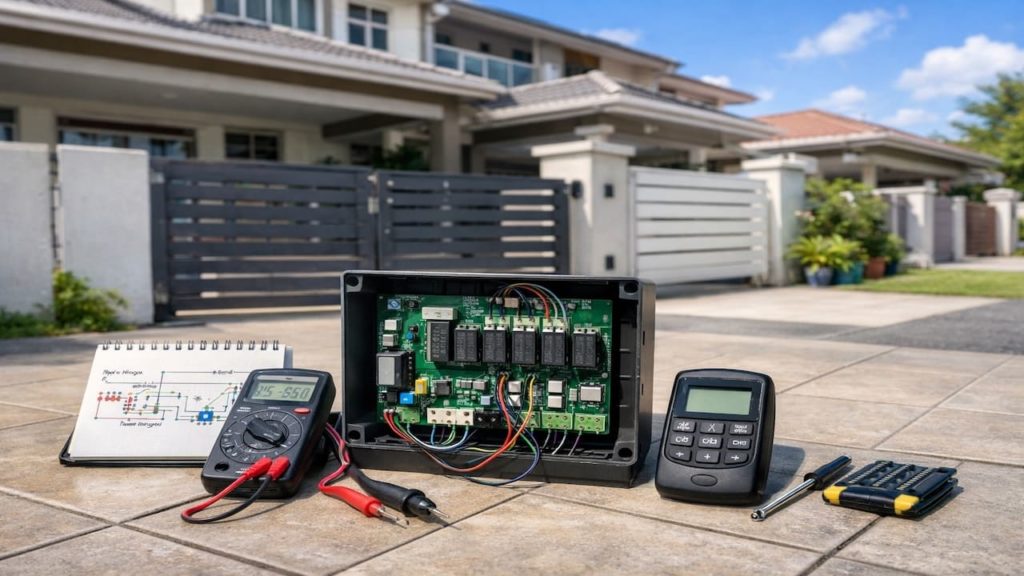
Receivers output dry contacts on CH1 and CH2, and they must match board terminals like START, OPEN, or CLOSE. One wrong landing locks you into close only—overnight in damp Malaysia junction boxes.
- Trace CH1 wires from receiver to board terminal
- Trace CH2 wires and confirm they are connected
- Check terminal labels on control board carefully
- Swap CH1 and CH2 leads for testing
- Relearn remote buttons to correct channel output
You may feel swapping wires is risky, so take a clear photo and power off first. If the behavior flips, you proved a mapping issue, not a motor issue. Proof beats panic.
3. Why open commands get blocked by controller rules
Safety inputs can block open while still allowing close.
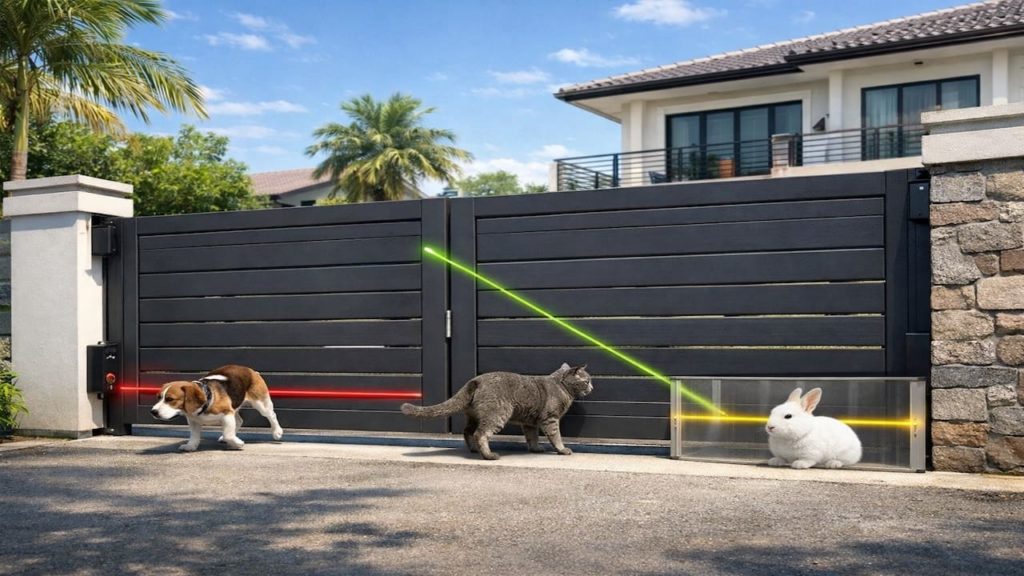
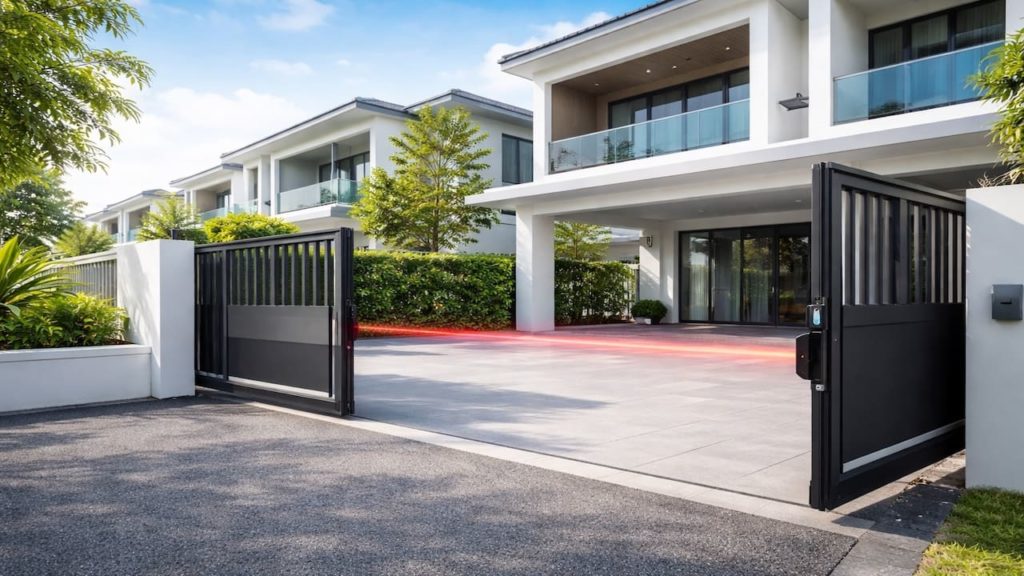
Some boards demand a clean safety state before OPEN, but they still allow CLOSE from a separate input. Wet photocells and corrosion can hold “blocked” in Malaysia—so the board refuses open. A rule.
- Check safety LED status on the main board
- Clean photocell lenses and dry them fully
- Inspect loop detector input for stuck active
- Check lock release output activates on open
- Verify limit switch shows fully closed position
Bypassing safety might “work,” but it turns a gate into a hazard in a tight driveway. Fix the false trigger and your open command returns normally. Safer.
4. How to restore open control without breaking anything
Restore open by isolating receiver channels then reprogramming.
Work in sequence so you do not get locked out on a stormy Malaysia evening—test one change at a time. Keep the manual release key ready. Practical.
- Disconnect receiver outputs then test wall switch
- Reconnect CH1 only and assign to START input
- Set CH2 to OPEN input if supported
- Delete old remotes then register fresh codes
- Seal receiver box and tighten terminal screws
You might worry deleting remotes removes access for family, but you can re-register right away after mapping is corrected. Document the channel assignments and it stays fixed. Done.
5. FAQs
Q1. Why does my remote close but not open the gate?
Usually the receiver channel is wired to CLOSE or the button is learned to the wrong channel. A stuck safety input can also make the board reject open.
Q2. Can a weak remote battery cause close-only behavior?
Weak batteries reduce range more than function, but swap one to rule it out. If the wall switch opens fine, mapping is the likely culprit.
Q3. Does rain affect open commands more than close commands?
Yes, because wet sensors and damp terminals create safety states that block open. Drying sensors and tightening terminals often restores open fast in rainy months.
Q4. Is it safe to swap CH1 and CH2 wires for a test?
Yes if you power off and keep a photo to revert. If swapping flips behavior, your receiver outputs were mapped wrong.
Q5. When should I call a technician instead of DIY?
If labels are unclear, wiring is messy, or a magnetic lock is involved, get help. Wrong mapping can create unsafe movement.
Pro’s Tough Talk

I’ve been on site for 20+ years and handled hundreds of autogates, and “remote only closes” is a classic head-scratcher. Malaysia humidity loves turning tiny screws into loose screws. Classic.
Three causes keep repeating: CH1 and CH2 landed on the wrong terminals, the remote learned to the wrong channel, or a safety input stuck active. Wet season grime. Like dialing the right number and reaching the wrong person.
Do 3 steps now: watch the receiver LED while pressing the open button, then trace CH1 and CH2 to the board. Then clean and dry sensors and terminals. Like brushing sand out of a zipper.
Stop guessing and map each channel to the right input. And if you keep mashing the remote like it owes you money, that’s on you. One jab.
Two relatable moments: it closes instantly so you think it “heard you,” then it ignores open like a stubborn cat. Then you press it 10 times in the rain and blame the universe. Congrats.
Summary
If your autogate remote only closes, the receiver channel is often mapped wrong, or the controller is rejecting open due to a safety state. Malaysia rain and humidity expose these fast.
Use a decision line: if the wall switch opens but the remote does not, focus on receiver wiring and programming. If the wall switch also fails, inspect board inputs and lock interlocks.
Trace CH1 and CH2 today and document the correct mapping then seal the receiver box and keep terminals tight. Next, read our guide on autogate opens by itself for receiver trigger control.