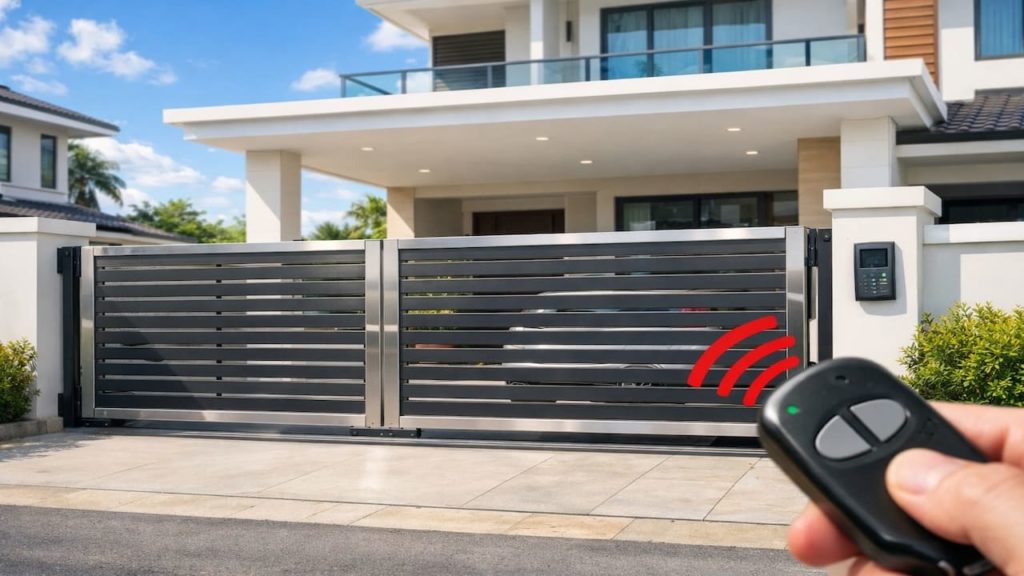
Your autogate remote will not pair, so you press the learn button, try again, and nothing sticks. In Malaysia heat and humidity, that little failure feels bigger at the gate.
The cause can be simple like learn mode timing, or deeper like unstable receiver power, wrong frequency, or a stuck input. After rain and power flickers, pairing issues show up more often. Annoying.
In this guide, you’ll learn how to pair your remote correctly and stop repeat pairing failures by checking learn mode timing, confirming receiver power stability, and fixing the common mistakes that happen in terrace houses and condos.

Hi, I’m Ken. I write practical home guides for Malaysia—no fluff, just what works.
I hold a formal building design qualification and have spent about 20 years on job sites across hundreds of projects. My goal is simple: help you avoid costly mistakes with clear, safe steps—a quick way to decide what to do next.
1. Autogate won’t pair remote: 5 checks
Most pairing failures happen because the receiver never enters learn mode.
When you press buttons in the wrong order, the receiver times out and ignores you—Malaysia weather adds distractions like wet hands and rushed retries. No luck.
- Confirm remote battery voltage using fresh new cell
- Stand close to receiver and reduce interference
- Watch receiver LED while pressing remote button
- Check remote frequency label matches receiver sticker
- Verify learn button clicks and is not stuck
You might blame the remote right away, but a dead learn mode looks identical to a bad remote. Prove the receiver is listening first, then you decide what to replace.
2. Learn mode timing & receiver power stability
Stable power and correct timing are required for pairing.
Receivers need steady voltage while learning, and brownouts can reset them mid-process—Malaysia thunderstorms and shared condo lines make this common. Unstable power.
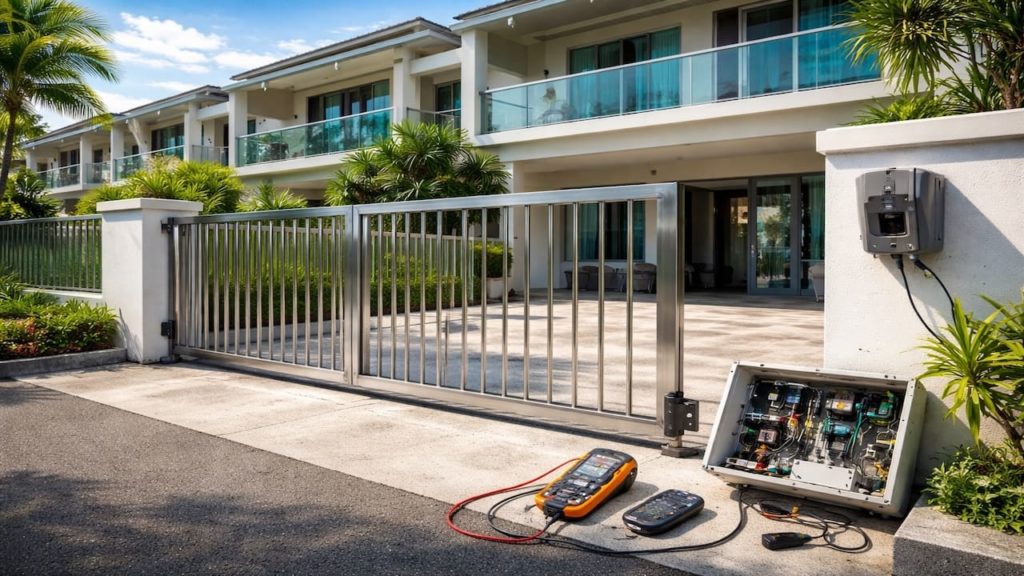
- Measure receiver input voltage during learn mode
- Hold learn button until LED pattern confirms mode
- Press remote within specified seconds after learn
- Stop pressing multiple buttons during pairing attempt
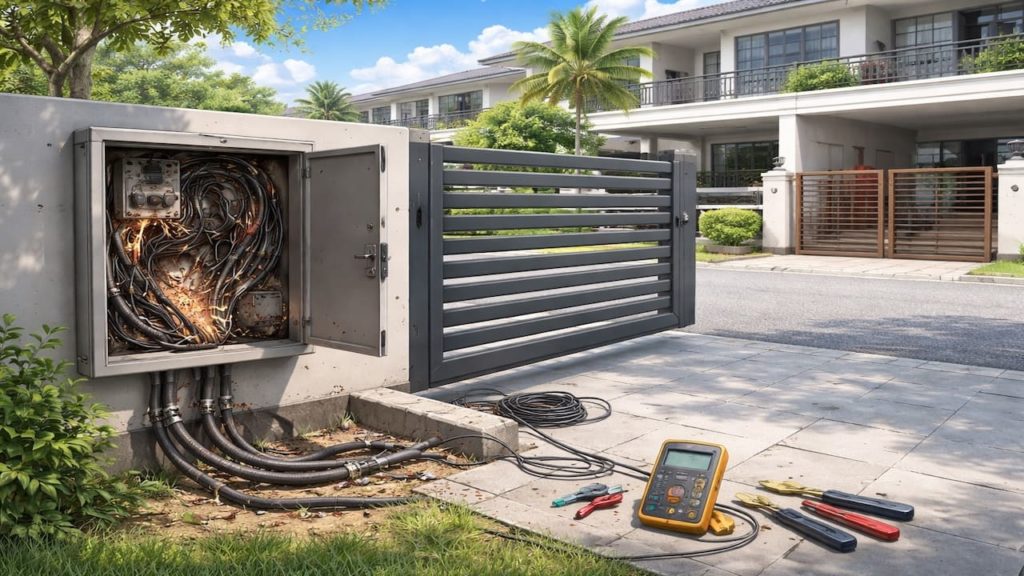
- Check adaptor plugs and tighten screw terminals
You may think pressing longer always helps, but some boards require a short tap, others require a hold. Follow the LED logic, keep power steady, and pairing becomes predictable.
3. Why remote pairing fails: memory limits and false inputs
Pairing fails when memory is full or inputs block learning.
Some receivers store limited remotes, and a full list rejects new codes—humidity and ants can also create phantom signals that cancel learn mode. Real problem.
- Delete all remotes then pair one test remote
- Check for stuck wall button input on board
- Inspect receiver case for ants and debris
- Clean corrosion on terminals using contact cleaner
- Confirm board is not in lock mode
You might assume the system should accept unlimited remotes, but budget receivers often cap storage. Clear memory, remove false triggers, and you stop wasting nights at the driveway.
4. How to pair the remote reliably and keep it paired
Pair reliably by resetting learning then registering cleanly.
Do the steps calmly in one run—Malaysia humidity makes repeated opens of the box messy, and every extra minute invites moisture and dust inside. Order matters.
- Turn off power then wait 30 seconds
- Restore power and enter learn mode immediately
- Press remote button once and watch LED confirm
- Test remote open close from close distance
- Seal receiver box and route wires neatly
You may want to pair multiple remotes at once, but first confirm one remote works consistently for a full day. After that, add others one by one and keep a simple record.
5. FAQs
Q1. Why does the LED blink but the remote still will not pair?
The receiver may enter learn mode but reject the code due to frequency mismatch or full memory. Try deleting stored remotes, then pair a single test remote close to the receiver.
Q2. Can a weak remote battery stop pairing?
Yes, especially during pairing because the receiver needs a clean strong signal. Replace the battery first, then try again at close range to reduce interference.
Q3. Does Malaysia rain season affect pairing?
Yes, power dips and moisture inside boxes can interrupt learn mode and cause resets. Power stability matters more than button smashing when storms and humidity are frequent.
Q4. I paired it once, then it stopped working the next day. Why?
A loose terminal, unstable adaptor, or receiver overheating can reset the memory. Check voltage, tighten terminals, and keep the receiver dry and ventilated.
Q5. Should I buy a universal remote instead?
Only if you confirm the receiver supports that type and frequency. If pairing fails due to power or memory issues, a new remote will not fix the real cause.
Pro’s Tough Talk

I’ve been on site for 20+ years and handled hundreds of autogates, and “won’t pair remote” is the one that makes people spiral. Malaysia storms flick the power, humidity creeps in, and your receiver starts acting stubborn.
It’s 3 causes over and over: learn mode timing is wrong, power is unstable so the receiver resets, or memory is full and it silently rejects new codes. You didn’t break it, and not every installer is trash, but the system is cold.
Do 3 steps now: stand right next to the receiver, enter learn mode with the correct hold time, then press the remote once within the time window. After that, tighten terminals and check adaptor voltage.
Stop guessing and make the receiver stable before you buy anything. Buying remotes blindly is like buying new shoes to fix a broken leg, and like trying to text with wet fingers on a cracked screen. One jab.
Two relatable moments: you press the remote 20 times like it will feel guilty and comply. Then you finally pair it and celebrate, and it dies again after the next thunderstorm. Keep doing that and your gate will start charging you for drama.
Summary
If your autogate will not pair a remote, the receiver often never enters learn mode, or it resets during learning due to unstable power. Malaysia rain season makes these failures more frequent.
Use a clear decision line: if the LED never shows learn mode, fix the learn button and wiring first. If learn mode works but rejects pairing, clear memory and confirm voltage stability.
Pair one remote cleanly today and stabilize the receiver power so the code stays stored through storms and daily heat. Next, read our guide on lightning damage and surge symptoms to protect receivers and boards together.